The best wireless mice depend on where you work or play, how you connect, and whether portability, programmable controls, or a customizable grip matters most. These picks span compact travel models, multi-device desk mice, adjustable ergonomic designs, and gaming options, so match the features to your setup before choosing.
Quick Top Products
ESR MagMouse Snap-to-Carry
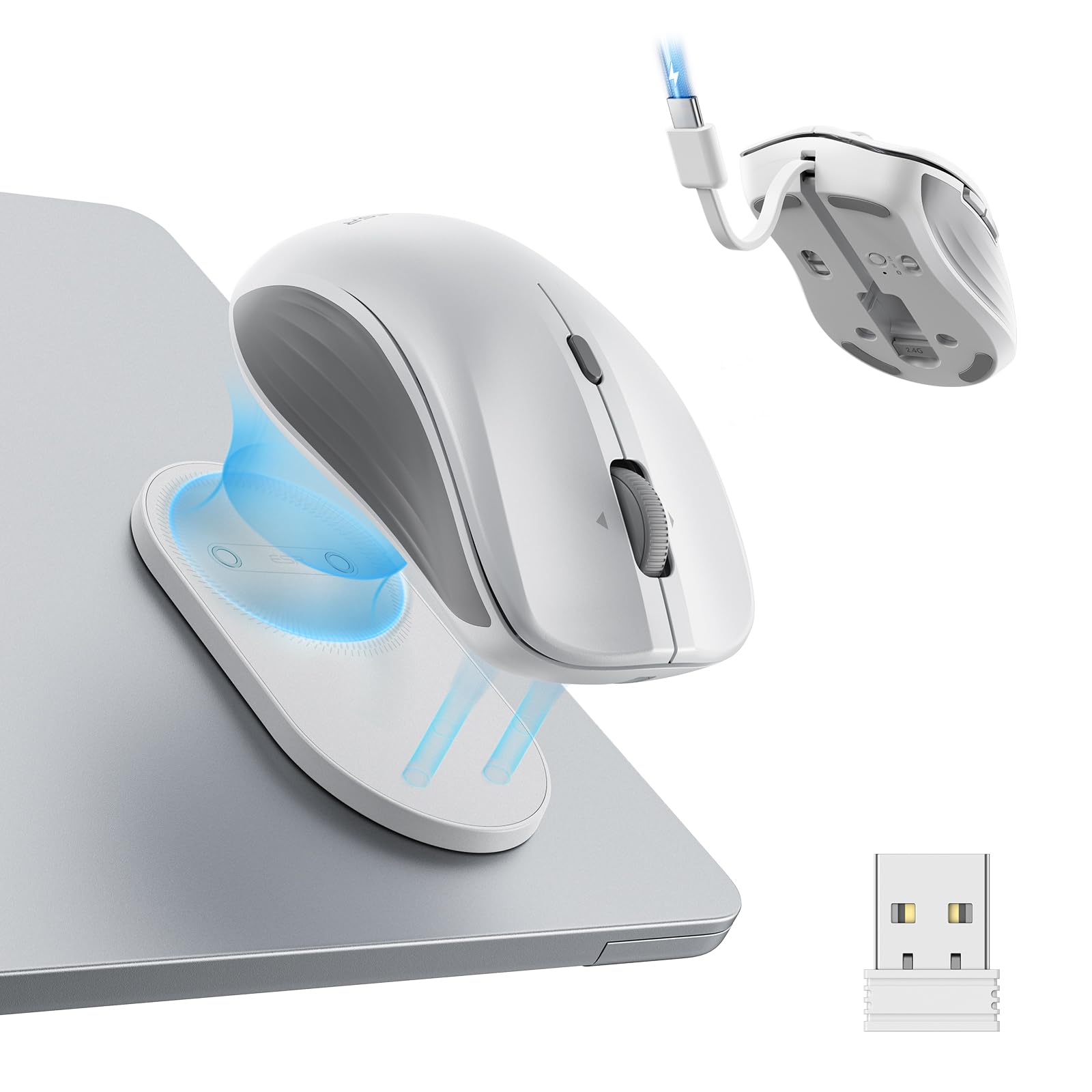
- Magnetic base snaps onto a reusable holder for carrying.
- Built-in USB-C cable supports quick top-ups.
- Bluetooth 5.0 and 2.4 GHz dongle offer two connection modes.
Best For: Laptop users who want a mouse that attaches to a reusable holder and charges without a separate cable.

JLab GO Charge Wireless Mouse
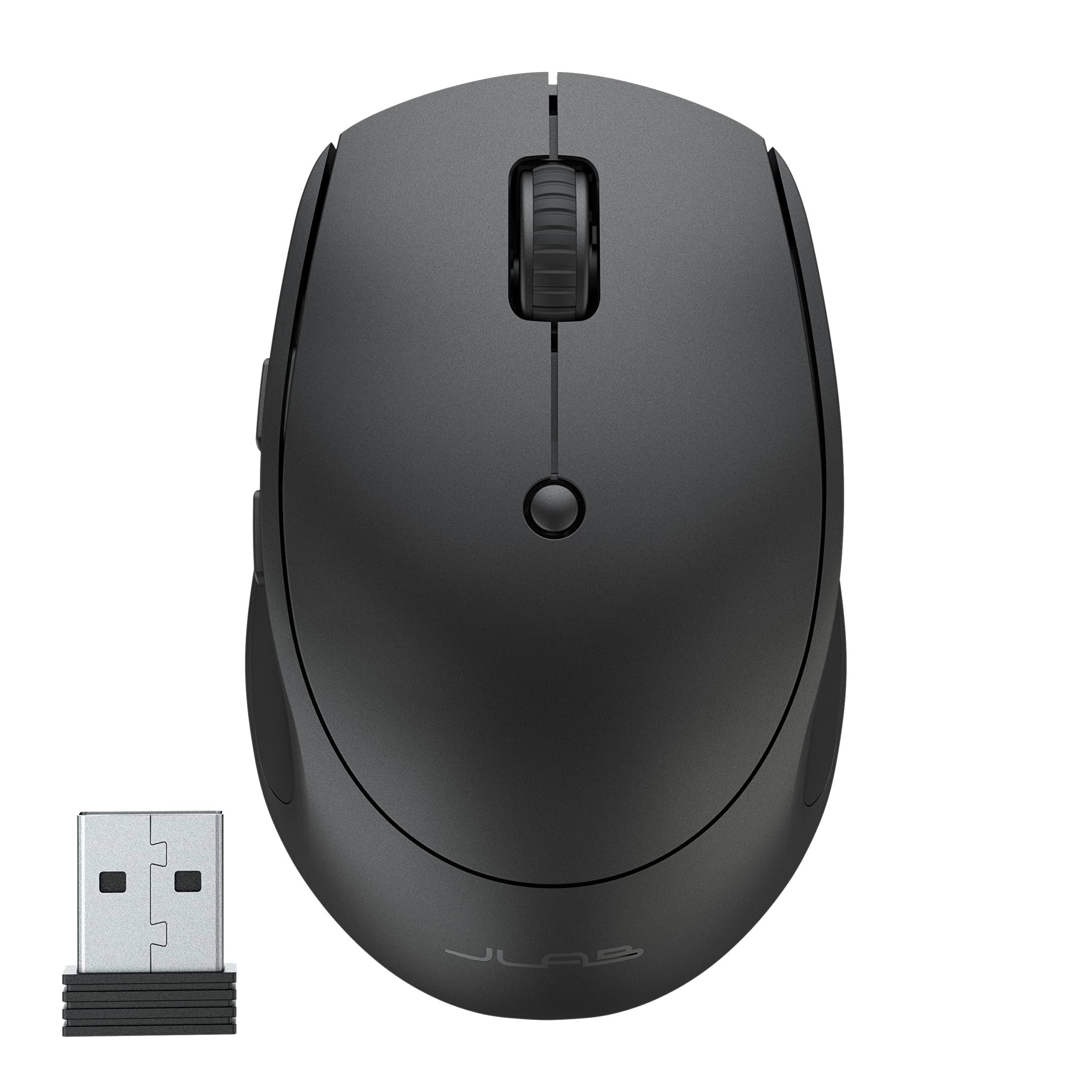
- Pair with three devices and switch between them.
- Compact, lightweight design is suited to carrying in a bag.
- Rechargeable battery life is given as 4+ months per charge.
Best For: People who want a compact rechargeable mouse for switching among work devices.
SteelSeries Aerox 5 Wireless
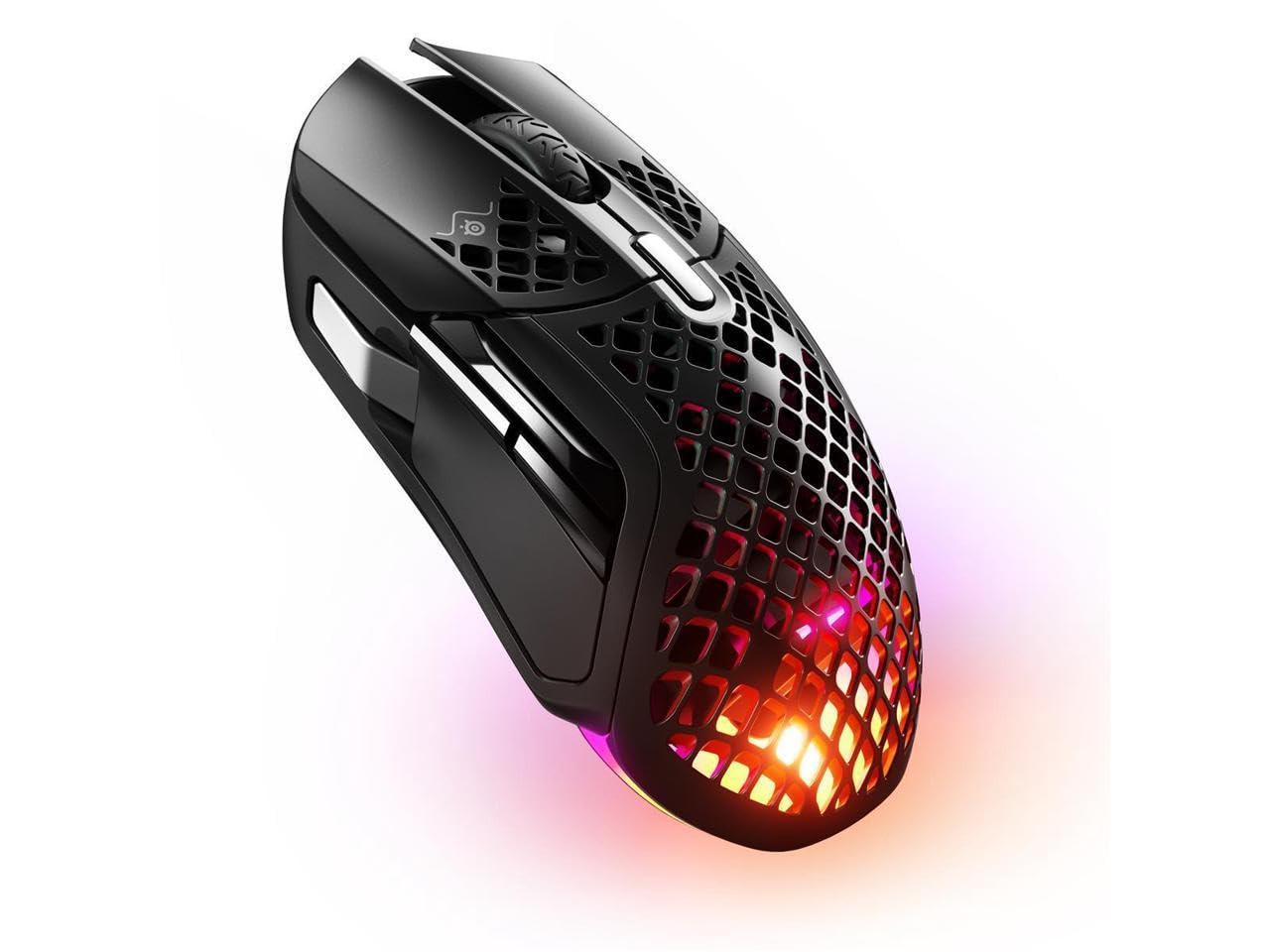
- Nine programmable buttons include a side panel and flick switch.
- The perforated shell brings the mouse weight to 74g.
- Connects via Bluetooth or 2.4 GHz wireless.
Best For: Players who want a lightweight gaming mouse with programmable controls and Bluetooth or 2.4 GHz connectivity.
SteelSeries Aerox 3 Wireless

- The perforated shell reduces weight to 68g.
- Three-zone RGB lighting supports configurable colors.
- Quantum 2.0 supports 2.4 GHz and Bluetooth 5.0.
Best For: Players who want a lightweight gaming mouse with RGB lighting and both Bluetooth and 2.4 GHz connections.
SteelSeries Rival 650 Quantum Wireless
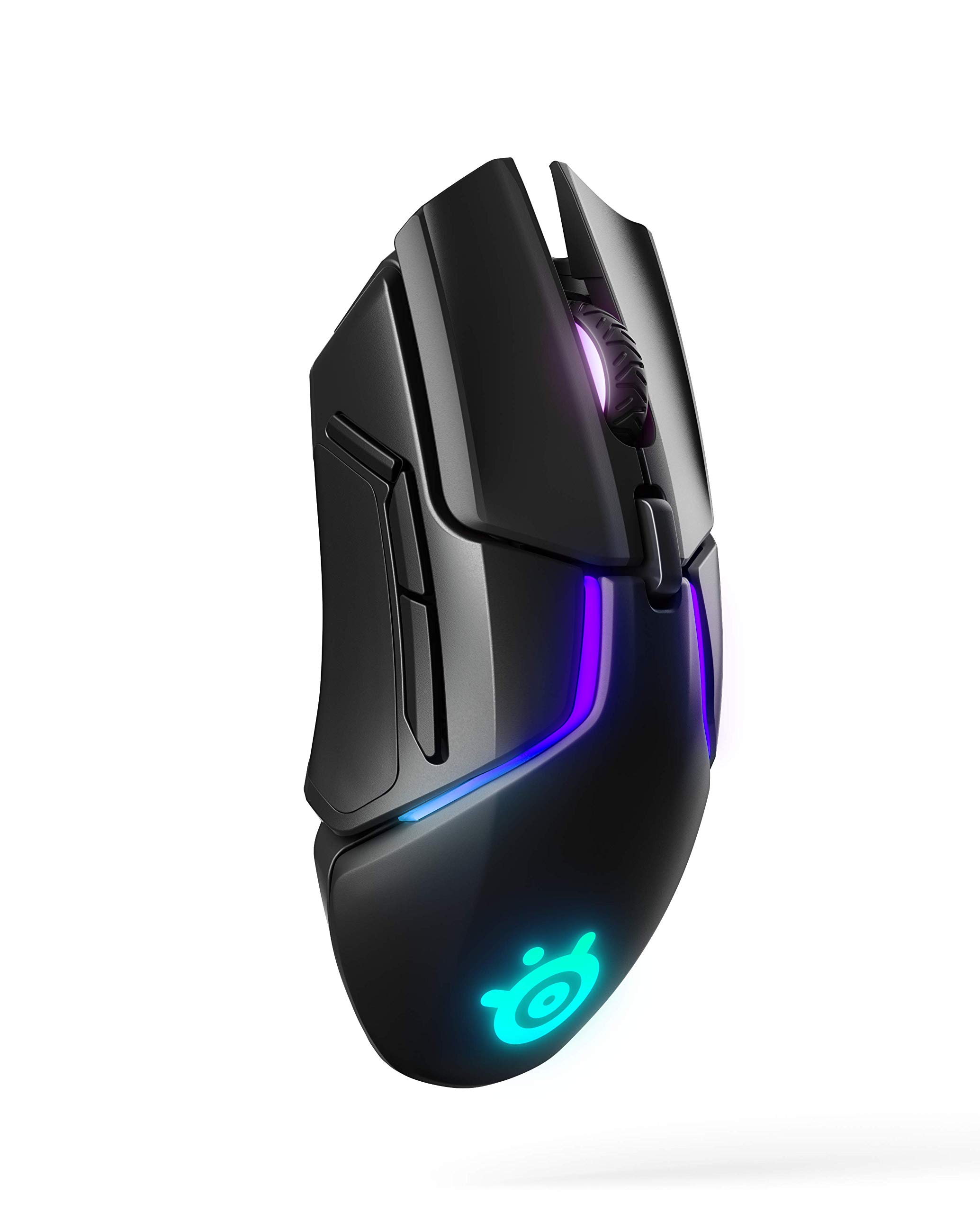
- 256 weight configurations allow center-of-gravity tuning.
- Rapid charging provides 10 hours from a 15-minute charge.
- The sensor system includes a secondary depth sensor for lift-off adjustment.
Best For: Gaming users who want adjustable weight balance and rapid charging in a wireless mouse.
SteelSeries Prime Wireless
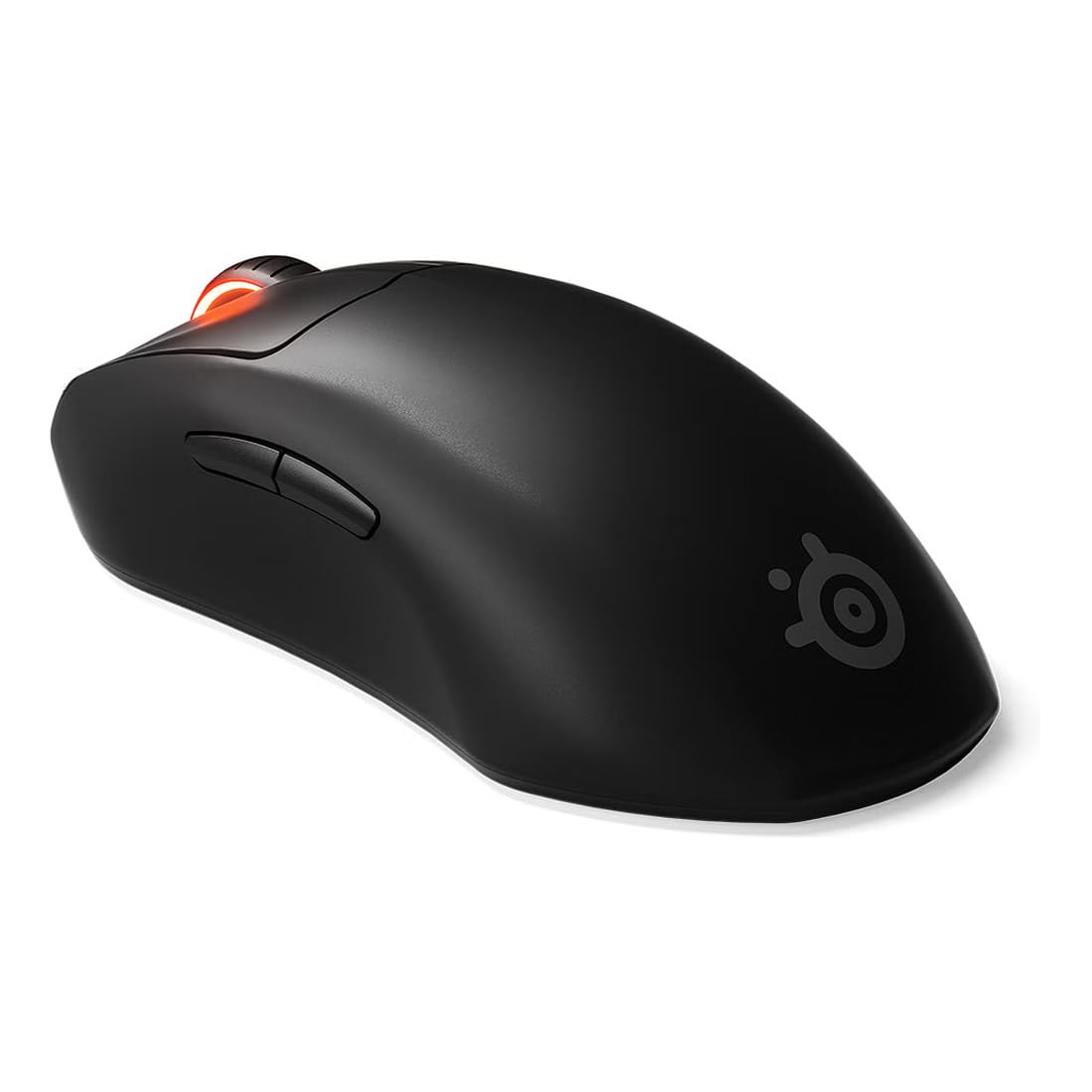
- The shape is engineered for right-handed users and several grip styles.
- The TrueMove Air sensor is rated at 18K CPI.
- Magnetic optical switches are rated for 100 million clicks.
Best For: Right-handed FPS players who prefer a shaped mouse with programmable buttons and long stated battery life.
SteelSeries Prime Mini Wireless
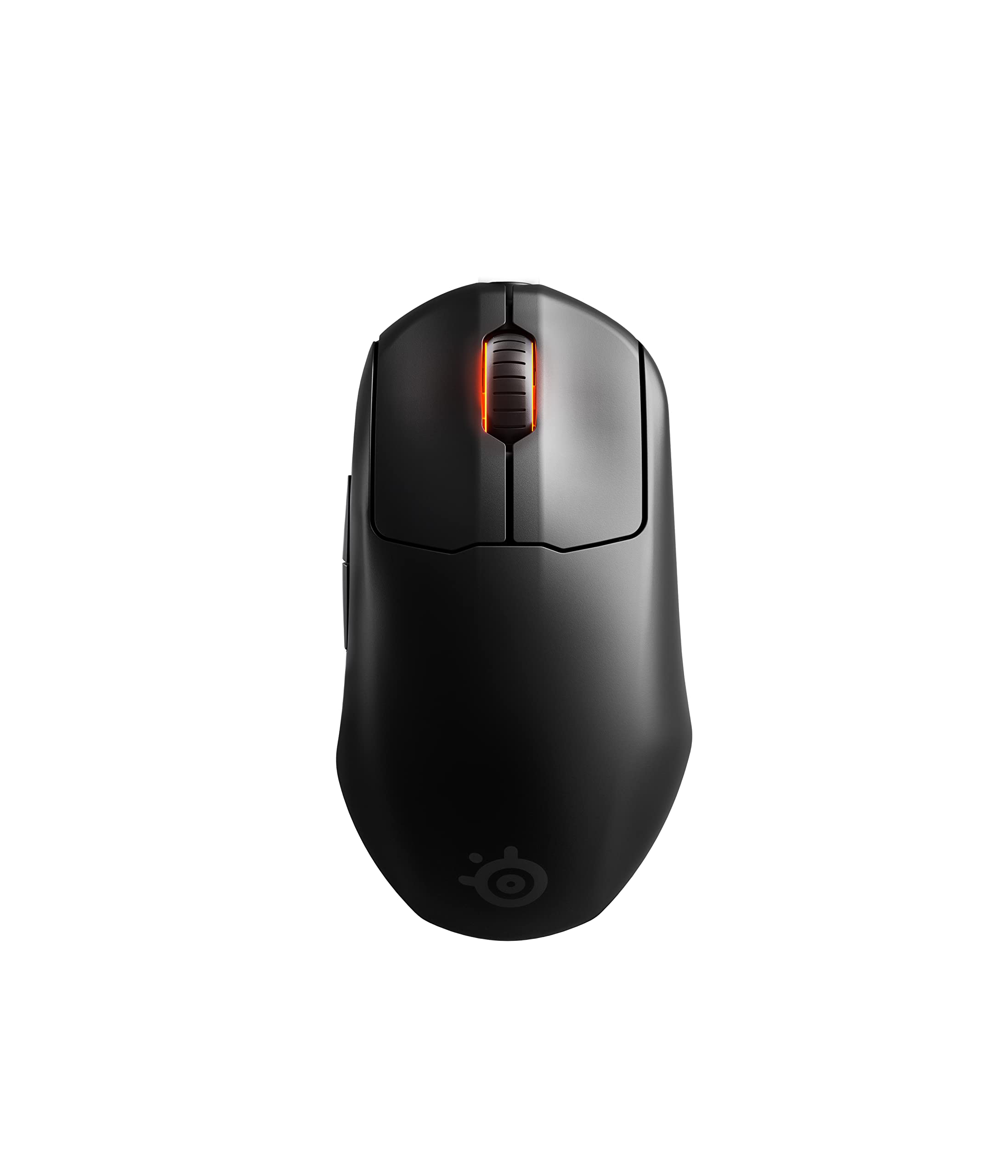
- The mini form factor weighs 74g.
- Its TrueMove Air sensor is rated for 18K CPI, 400 IPS, and 40G.
- Magnetic optical switches are rated for 100 million clicks.
Best For: FPS players seeking a smaller gaming mouse with programmable buttons and wireless connectivity.
SteelSeries Rival 3 Wireless Gen 2
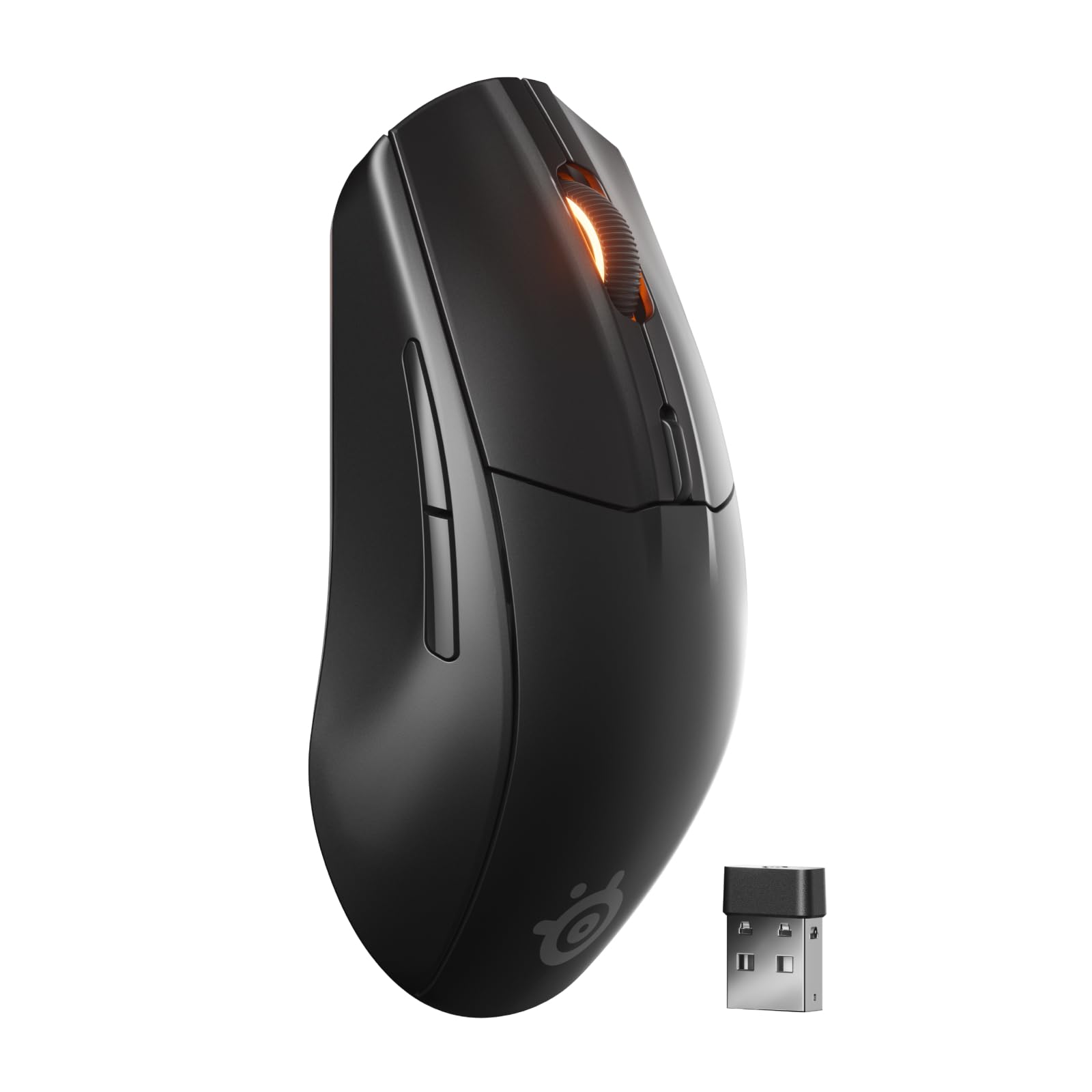
- It switches between 2.4 GHz and Bluetooth.
- The TrueMove Air sensor is rated at 18K DPI.
- The notes give runtime figures up to 200 hours on 2.4 GHz and 450 hours on Bluetooth.
Best For: Players who want a wireless gaming mouse that can also connect to other devices over Bluetooth.
JLab JBuds Wireless Mouse
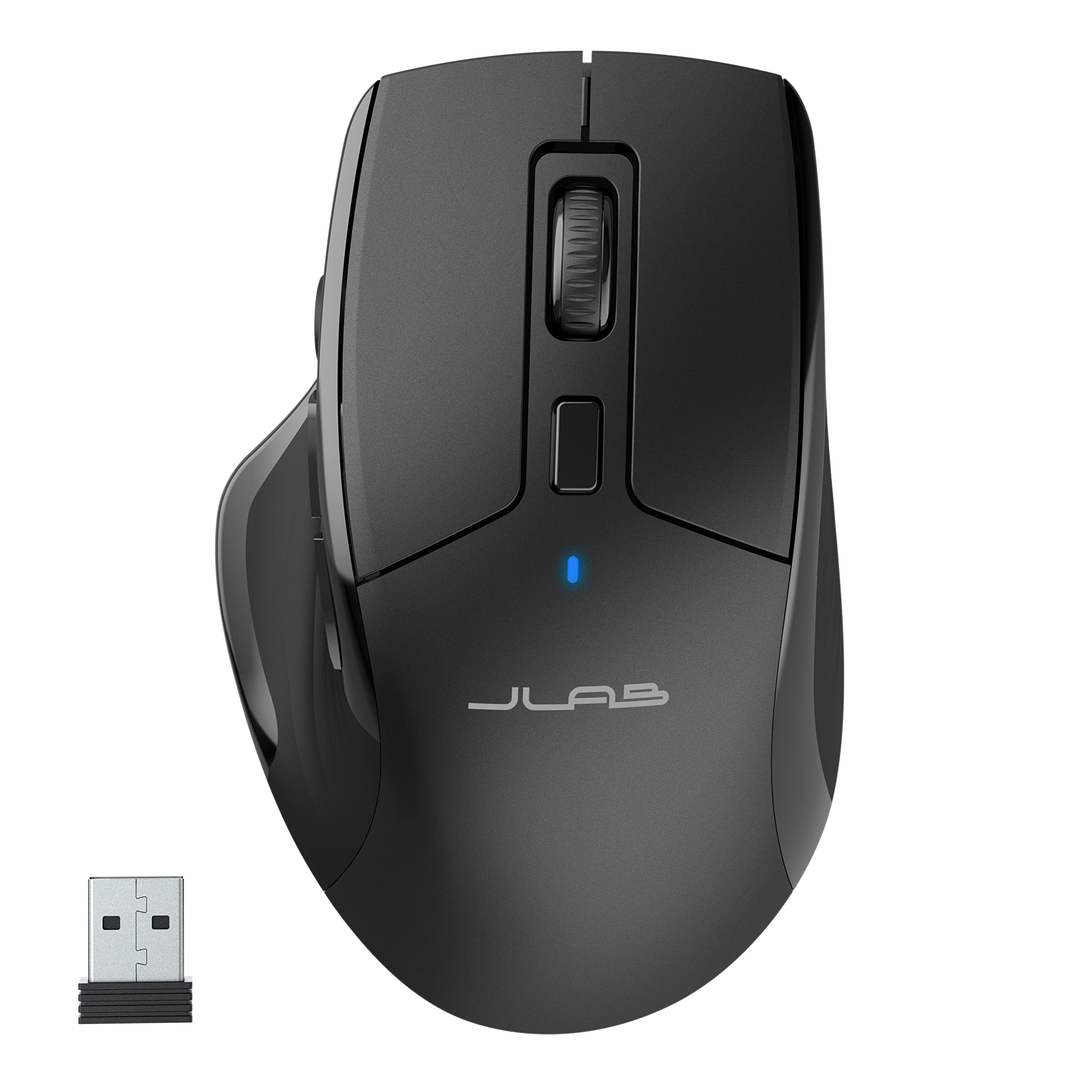
- It can connect to up to three devices and switch among them.
- Seven programmable buttons can be remapped through the app.
- Silent clicks are designed for shared spaces and calls.
Best For: Office users wanting a full-size rechargeable mouse that can switch among up to three devices.
JLab Epic Wireless Mouse
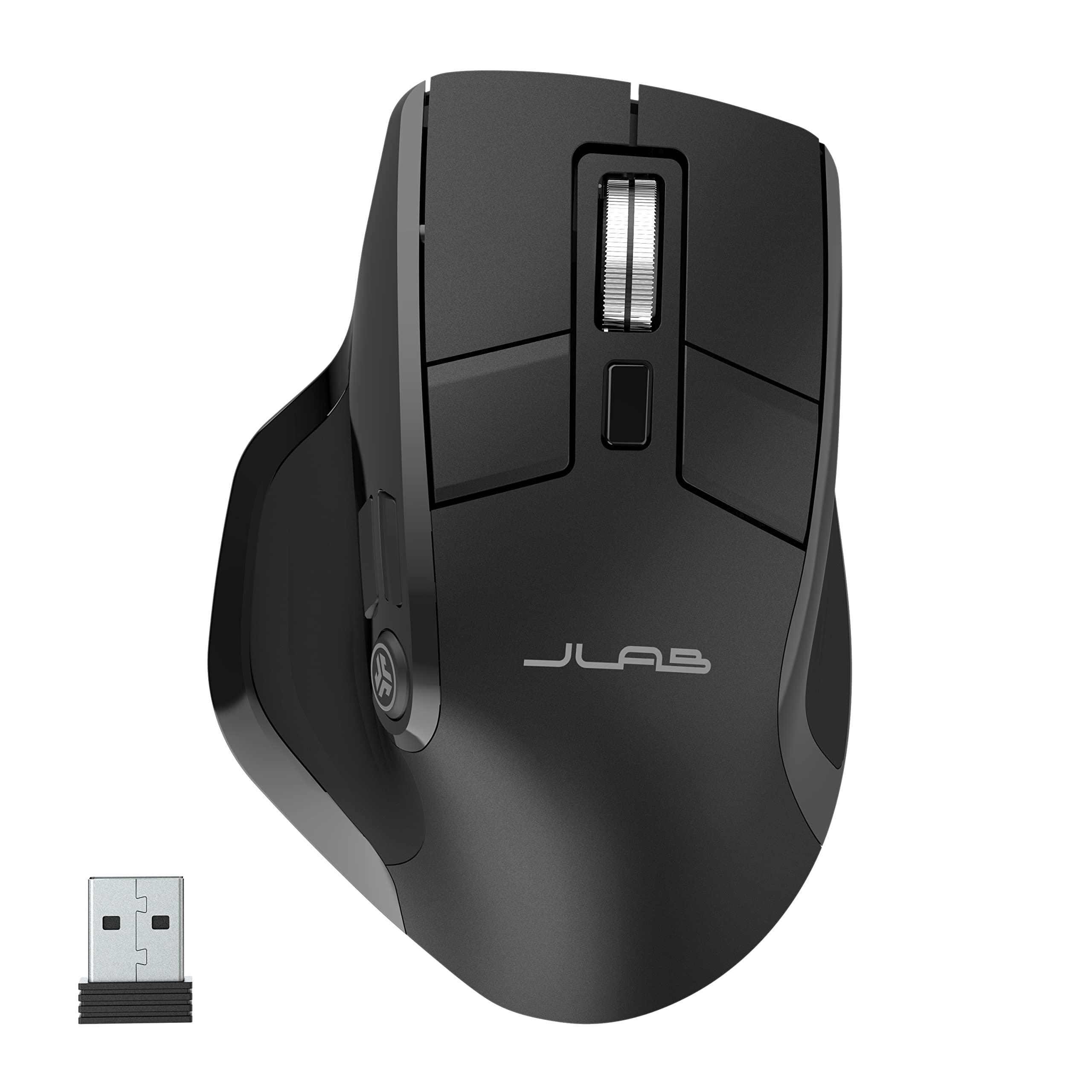
- The OLED screen displays current DPI and battery level.
- It connects with Bluetooth 5.2 or a USB dongle and supports three devices.
- The rechargeable battery capacity is 800 mAh.
Best For: Desk users who want a full-size rechargeable mouse with visible battery and DPI information.
Snap-On Laptop Carry
ESR MagMouse Snap-to-Carry Bluetooth Mouse, Wireless Mouse for Laptop | Rechargeable Mouse with Built-in Charging Cable, Reusable Adhesive Holder, BT 5.0 + 2.4 GHz Connectivity, Ergonomic, White
The ESR MagMouse is built around a portable setup: its magnetic base snaps onto a reusable adhesive holder, and a built-in USB-C cable handles charging. It connects over Bluetooth 5.0 or a 2.4 GHz dongle, and six DPI levels cover a range of cursor preferences.
The four-way scroll wheel can also move sideways through wide spreadsheets and timelines. The tradeoff is that the included carrying approach depends on attaching the holder to a surface, so check that this suits your laptop bag and desk routine.
It is a practical fit for people moving between workspaces.
Best For: Laptop users who want a mouse that attaches to a reusable holder and charges without a separate cable.
| Pros | Cons |
|---|---|
|
|
Choose this model if your work moves between locations and its attachable holder fits your setup. The charging cable, dual wireless modes, and side scrolling combine travel convenience with useful desk controls.
Before buying, check the holder's adhesive mounting approach and the mouse's physical size, which is not specified here. Its six DPI options provide adjustable tracking, while the record does not give a battery capacity or expected total runtime.
Compact Multi-Device Work
JLab, GO Charge, Wireless Mouse, Bluetooth, USB Dongle, Multi-Device, Compact, Rechargeable, Black
The JLab GO Charge is a compact wireless mouse for a mobile work routine, with Bluetooth 5 or a USB dongle and an instant toggle across three devices. Its adjustable DPI tracking lets you set cursor speed for different tasks, while silent click buttons keep noise down in shared spaces.
The rechargeable battery is described as lasting 4+ months per charge, a useful detail for people who do not want to carry spare batteries. The small shape is the central tradeoff: it suits bag carry, but shoppers who prefer a full-size grip should compare its fit carefully before buying.
Best For: People who want a compact rechargeable mouse for switching among work devices.
| Pros | Cons |
|---|---|
|
|
Pick the GO Charge if you need one mouse for a laptop bag and several devices. Its compact shape, silent clicks, and three-device toggle emphasize portability and flexible desk use.
Buyers who work for long stretches at a fixed desk may prefer a full-size model, while those considering this one should check the physical dimensions and grip fit. The battery duration is expressed as 4+ months, but the source does not state the usage conditions behind that figure.
Lightweight Gaming Controls
SteelSeries Aerox 5 Wireless - Holey RGB Gaming Mouse - Ultra-lightweight Water Resistant Design - 9 Buttons – Bluetooth/2.4 GHz - 18K DPI TrueMove Air Optical Sensor
The Aerox 5 Wireless combines a lightweight perforated shell with nine programmable buttons, including a side panel and an up/down flick switch. It supports both 2.4 GHz wireless and Bluetooth 5.0, so it can move between gaming and other devices.
SteelSeries gives it an 18K DPI TrueMove Air optical sensor and an IP54-rated AquaBarrier design for shielding the interior from splashes, dust, and dirt. Its extensive controls may suit games that benefit from shortcuts, though they can be more than a player needs for simpler genres.
Consider its button layout and grip before choosing.
Best For: Players who want a lightweight gaming mouse with programmable controls and Bluetooth or 2.4 GHz connectivity.
| Pros | Cons |
|---|---|
|
|
Choose the Aerox 5 if you want gaming-focused controls without giving up Bluetooth connectivity. Its nine programmable buttons offer more direct shortcuts than a simpler mouse, while its 74g weight and IP54-rated interior protection address different gaming preferences.
Consider whether the side panel suits the games you play; the Aerox 9 offers more programmable buttons, while the Aerox 3 has a simpler control layout. Hand orientation and exact dimensions are not specified here, so check fit before ordering.
Lightweight RGB Gaming
SteelSeries Aerox 3 Wireless - Holey RGB Gaming Mouse - Ultra-lightweight Water Resistant Design - 18K DPI TrueMove Air Optical Sensor -Snow
The Aerox 3 Wireless keeps its feature set focused on a light gaming build, wireless flexibility, and lighting. Its perforated shell reduces weight to 68g, and three-zone PrismSync RGB can display configurable colors.
Quantum 2.0 wireless supports 2.4 GHz for gaming and Bluetooth 5.0, while the TrueMove Air sensor is designed for pixel-level tracking. AquaBarrier protection is rated IP54 against water splashes, dust, and dirt inside the mouse.
This option is a fit for players who want those gaming features in a simpler mouse; check that its button layout matches the shortcuts you need.
Best For: Players who want a lightweight gaming mouse with RGB lighting and both Bluetooth and 2.4 GHz connections.
| Pros | Cons |
|---|---|
|
|
Pick the Aerox 3 if low weight, RGB, and dual wireless modes matter more than a large set of programmable controls. Its 68g weight and feature set, including IP54-rated interior protection, may suit a lightweight gaming setup.
The product notes give up to 200 hours of battery life, but usage conditions are not detailed. Check the exact button layout and hand fit, since neither is specified here.
Adjustable Gaming Balance
SteelSeries Rival 650 Quantum Wireless Gaming Mouse - Rapid Charging, 12,000 Cpi Dual Sensor, 256 Weight Configs, 8 Zone RGB Lighting
The Rival 650 Quantum Wireless focuses on tailoring the feel of a gaming mouse. Its 256 center-of-gravity weight configurations let users adjust the balance, and TrueMove3+ combines a primary optical sensor with a secondary depth sensor for adjustable lift-off distance.
The wireless connection is designed for lag-free performance, while the battery is rated for more than 24 hours on a full charge or 10 hours from a 15-minute rapid charge. These controls make it more configurable than a straightforward wireless mouse, but the weight system is useful mainly to players who want to tune how the mouse feels.
Best For: Gaming users who want adjustable weight balance and rapid charging in a wireless mouse.
| Pros | Cons |
|---|---|
|
|
Choose the Rival 650 if you want to adjust balance and lift-off behavior rather than buy a fixed-feel mouse. Rapid charging and its dual-sensor system add gaming-specific flexibility.
The Prime Wireless instead emphasizes a right-handed shape and long stated battery life, while the Rival 650 offers weight tuning. Before purchase, confirm the included tuning pieces and the mouse's total weight, since neither detail is supplied here.
Right-Handed FPS Shape
SteelSeries Esports Wireless FPS Gaming Mouse - Ultra Lightweight, Prime Programmable, 18K CPI Sensor, Magnetic Optical Switches, PC/Mac, Black
The SteelSeries Prime Wireless is shaped for right-handed players and supports finger, palm, and claw grip styles. Its TrueMove Air sensor is rated at 18K CPI, with 400 IPS and 40G figures, and magnetic optical switches are rated for 100 million clicks.
Quantum 2.0 wireless is described as lag-free and power-efficient, with a 100-hour battery life and fast charging. This model suits an FPS setup that favors a conventional shaped mouse over a mini option.
Check its right-hand-only orientation and dimensions, particularly if you use a smaller grip or prefer an ambidextrous design.
Best For: Right-handed FPS players who prefer a shaped mouse with programmable buttons and long stated battery life.
| Pros | Cons |
|---|---|
|
|
Choose the Prime Wireless if you want a right-handed FPS mouse with several grip styles and a long stated battery figure. It includes six buttons and a TrueMove Air sensor, while the Prime Mini trims the form factor and lists five programmable buttons.
The Prime Wireless has more buttons, but the Mini may suit smaller hands or a lighter setup. Check the dimensions and orientation against your grip before purchase; the supplied measurements are not enough to determine fit for every user.
Mini FPS Gaming
SteelSeries Esports Mini Wireless FPS Gaming Mouse – Ultra Light – Prime Mini Edition – 5 Programmable Buttons – Lag-free 2.4GHz – 100H Battery – 18K CPI Sensor – Magnetic Optical Switches – PC/Mac
The Prime Mini Wireless puts SteelSeries' FPS-focused features in a 74g mini form factor. It uses the TrueMove Air sensor with 18K CPI, 400 IPS, and 40G figures, along with magnetic optical switches rated for 100 million clicks.
Quantum 2.0 wireless is paired with a stated 100-hour battery life and fast charging. The smaller format is the main distinction from the full-size Prime Wireless, which has six buttons and a right-handed shape described for multiple grip styles.
Check the Mini's hand orientation and dimensions before buying, since those details are not included in its record.
Best For: FPS players seeking a smaller gaming mouse with programmable buttons and wireless connectivity.
| Pros | Cons |
|---|---|
|
|
Pick the Prime Mini if a compact shape is the priority and you want the same listed sensor and switch ratings as the Prime Wireless. The full-size Prime has six buttons and a specified right-handed shape; the Mini lists five programmable buttons but does not state its hand orientation.
Confirm physical fit and orientation before buying. Its 74g figure identifies the mouse weight, while the record does not explain whether any additional accessories are included.
Long-Runtime Gaming Flexibility
SteelSeries Rival 3 Wireless Gen 2 Gaming Mouse — 2.4GHz and Bluetooth — 18000 DPI TrueMove Air Optical Sensor — 60 Million Click Durability — Light-Weight — 100% PTFE Feet — Black
The Rival 3 Wireless Gen 2 combines 2.4 GHz gaming connectivity with Bluetooth for other devices. Its TrueMove Air optical sensor is rated at 18,000 DPI, and the switches are rated for 60 million clicks.
The product notes give up to 200 hours on 2.4 GHz and up to 450 hours over Bluetooth using one AAA battery, with an 11g reduction when using just one battery. This model suits players who value wireless flexibility and long stated runtime.
Check which battery arrangement you plan to use, because the weight and runtime details are tied to the battery setup or connection mode.
Best For: Players who want a wireless gaming mouse that can also connect to other devices over Bluetooth.
| Pros | Cons |
|---|---|
|
|
Choose the Rival 3 Gen 2 if you want gaming connectivity plus Bluetooth and a long stated battery runtime. Its 18K DPI sensor and 60-million-click switch rating are straightforward gaming features, while one AAA battery is associated with the runtime figures and an 11g weight reduction.
The Aerox 3 instead emphasizes a lighter perforated design and RGB lighting. Verify included batteries and consider which connection mode you will use most, since the runtime differs by mode.
Quiet Full-Size Office Work
JLab, JBuds, Wireless Mouse, Bluetooth, USB Dongle, Multi-Device, Silent Click, Full-Size, Black
The JLab JBuds is a full-size rechargeable mouse designed for multi-device work. It connects through Bluetooth 5.2 or a USB wireless dongle, pairs with up to three devices, and supports an instant toggle between them.
Seven programmable buttons and adjustable DPI tracking let users set up controls for different tasks, while silent clicks are intended to reduce noise in shared offices or calls. The JLab Work app can save up to three user profiles.
It has a broad productivity feature set, though its full-size shape may be less convenient for carrying than a compact travel mouse.
Best For: Office users wanting a full-size rechargeable mouse that can switch among up to three devices.
| Pros | Cons |
|---|---|
|
|
Choose the JBuds if your desk work spans several devices and quiet clicks matter. Its programmable buttons and app profiles allow more task-specific setup than a basic travel mouse.
The GO Charge is more compact and gives a stated battery figure, while the JBuds emphasizes a full-size shape and controls. Check its battery runtime and physical dimensions before buying, since neither is supplied here.
OLED Status at the Desk
JLab, Epic, Wireless Mouse, Bluetooth, Multi-Device, OLED Display, Full-Size
The JLab Epic offers a full-size ergonomic shape, an OLED display, and rechargeable operation. The screen shows battery level and current DPI, while adjustable tracking helps tailor cursor speed.
Bluetooth 5.2 and a USB dongle support up to three paired devices, and the JLab Work app can store up to three button profiles. Silent click buttons suit quieter work areas.
This model is a desk-oriented choice for people who like visible status and profile controls. Its record gives an 800 mAh battery capacity but no runtime figure, so check charging expectations if time between charges is important.
Best For: Desk users who want a full-size rechargeable mouse with visible battery and DPI information.
| Pros | Cons |
|---|---|
|
|
Pick the Epic if the OLED status display and saved profiles are useful at your desk. It combines a full-size shape, silent clicks, and three-device connections, while the related JBuds mouse has seven programmable buttons and adjustable tracking called out in its record.
The Epic's 800 mAh battery capacity does not tell you how long it runs between charges. Check runtime expectations and whether its full-size shape fits your workspace and grip.
How to Choose Wireless Mice
How We Picked Wireless Mice
We chose individual wireless mice that cover distinct buying needs: portable work, quiet multi-device desks, adjustable grip, and gaming controls. Connectivity mattered because several options pair Bluetooth with a USB receiver, while the gaming models often add performance-focused sensors or programmable buttons.
The range includes compact travel shapes, full-size office designs, right-handed FPS mice, and gaming models with more configurable controls. We favored candidates whose supplied details make their use case clear, and left out a multipack and a keyboard-and-mouse bundle where the mouse itself was not clearly identified.
Comparing Wireless Mice for Work and Play
For mobile work, the ESR MagMouse combines a magnetic holder with a built-in charging cable, while the JLab GO Charge is compact and toggles among three devices. At a desk, JLab's JBuds prioritizes quiet clicks and programmable controls; the Epic adds an OLED display for battery and DPI status.
Gaming choices divide by feel and controls. The Aerox 3 weighs 68g and adds RGB, the Aerox 5 adds nine programmable buttons, and the Aerox 9 offers an 18-button layout.
Prime Wireless is shaped for right-handed grip styles, while Prime Mini uses a 74g mini form. Rival 650 adds weight tuning, and Rival 3 Gen 2 offers Bluetooth alongside 2.4 GHz.
| Product | Standout features | Best for |
|---|---|---|
| ESR MagMouse Snap-to-CarryCheck Price |
| Laptop users who want a mouse that attaches to a reusable holder and charges without a separate cable. |
| JLab GO Charge Wireless MouseCheck Price |
| People who want a compact rechargeable mouse for switching among work devices. |
| SteelSeries Aerox 5 WirelessCheck Price |
| Players who want a lightweight gaming mouse with programmable controls and Bluetooth or 2.4 GHz connectivity. |
| SteelSeries Aerox 3 WirelessCheck Price |
| Players who want a lightweight gaming mouse with RGB lighting and both Bluetooth and 2.4 GHz connections. |
| SteelSeries Rival 650 Quantum WirelessCheck Price |
| Gaming users who want adjustable weight balance and rapid charging in a wireless mouse. |
| SteelSeries Prime WirelessCheck Price |
| Right-handed FPS players who prefer a shaped mouse with programmable buttons and long stated battery life. |
| SteelSeries Prime Mini WirelessCheck Price |
| FPS players seeking a smaller gaming mouse with programmable buttons and wireless connectivity. |
| SteelSeries Rival 3 Wireless Gen 2Check Price |
| Players who want a wireless gaming mouse that can also connect to other devices over Bluetooth. |
| JLab JBuds Wireless MouseCheck Price |
| Office users wanting a full-size rechargeable mouse that can switch among up to three devices. |
| JLab Epic Wireless MouseCheck Price |
| Desk users who want a full-size rechargeable mouse with visible battery and DPI information. |
Choosing a Wireless Mouse for Travel or a Desk
For laptop carry, consider shape, charging, and whether you want a receiver or Bluetooth. The MagMouse has a built-in USB-C cable and attachable holder; the GO Charge trades larger dimensions for a compact build and three-device switching.
Check physical size against your hand, since “compact” can mean a noticeably different grip from a full-size mouse.
At a fixed workstation, look for controls that match the work. A scroll wheel with side scrolling helps with wide spreadsheets, while adjustable DPI and saved profiles can suit different applications.
Silent clicks may matter in calls or shared rooms. A screen showing battery level, as on the JLab Epic, makes status visible, though its runtime is not specified.
Wireless Mouse Connectivity and Battery Details
Bluetooth can free a USB port, while a 2.4 GHz receiver may be preferred for gaming or a device without Bluetooth. Some picks support both, so check which connection modes your computer supports and whether switching among paired devices is part of your routine.
Battery figures need context: the Rival 3 Gen 2 gives separate runtime estimates for 2.4 GHz and Bluetooth, and the Aerox gaming mice publish long-life figures. The JLab Epic specifies battery capacity but not runtime.
For rechargeable models, compare the charging method and available runtime details rather than treating capacity and hours as interchangeable.
Who Should Buy Which Wireless Mouse
Choose the MagMouse for a travel setup that benefits from a snap-on holder and built-in charging cable, or the GO Charge for a compact mouse that switches among work devices. The JBuds fits quiet, full-size office use, while the Epic suits a desk where visible battery and DPI information is useful.
For gaming, choose the Aerox 3 for lightweight RGB, the Aerox 5 for a nine-button layout, or the Aerox 9 when its 18-button side panel fits your shortcuts. The Prime Mini is the compact FPS option; Prime Wireless adds a right-handed shape for several grip styles.
Consider the Rival 650 for weight tuning or the Rival 3 Gen 2 for dual-mode connectivity and its stated battery figures.